4.2 Member Settings & Permission Management
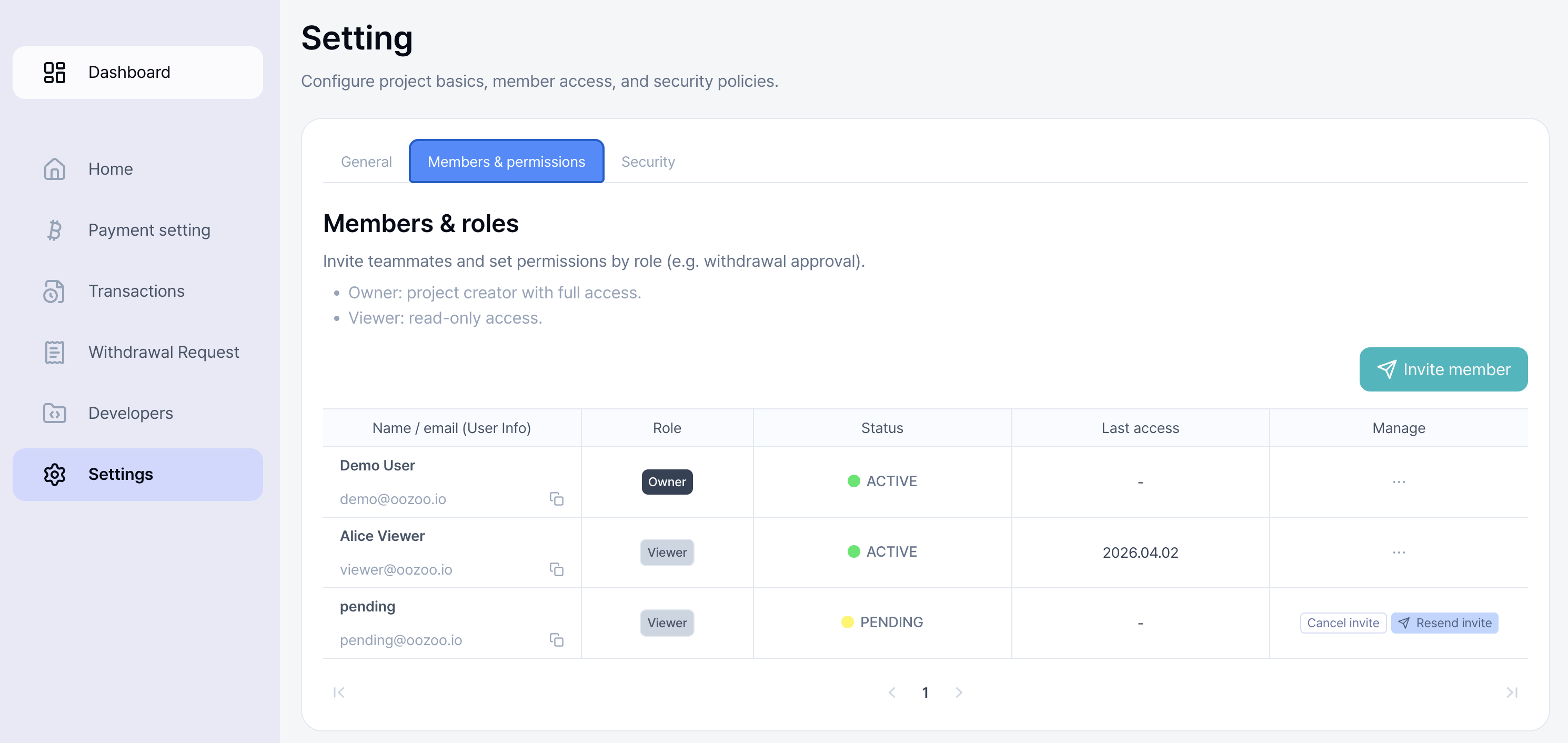
You can invite members to co-manage your project and configure their permissions.
-
Through Invite Member, you can add members to co-manage the project.
* Invited members must also use a Google account and complete sign-up.
-
Permissions are divided into Owner and Viewer.
- Owner : Full access to all project management features.
- Viewer : Read-only access to project information.
-
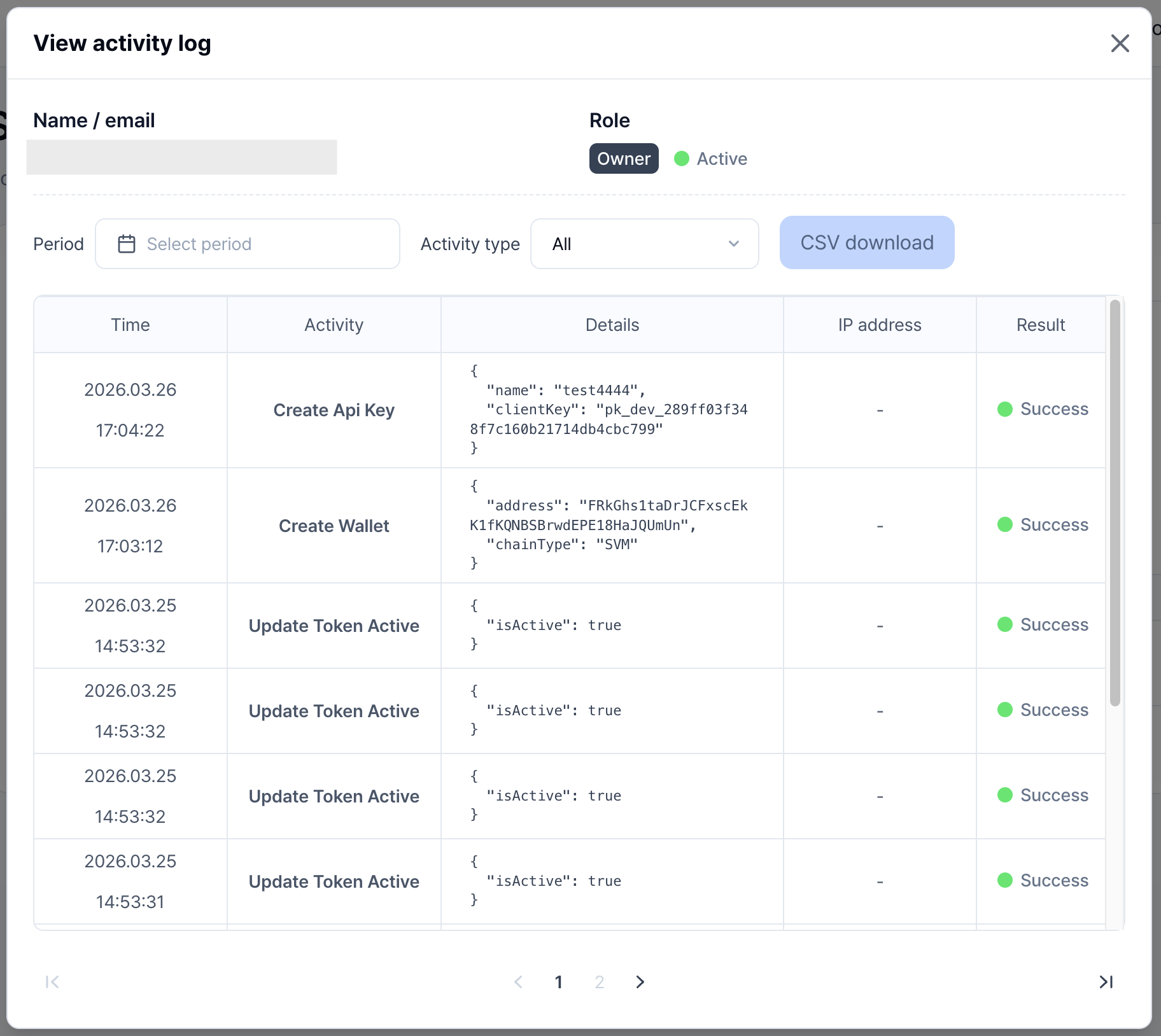
Click the Manage button to view member activity history.