2.5 API and Webhook Setup
- For development and detailed configuration, refer to the API Reference Guide.
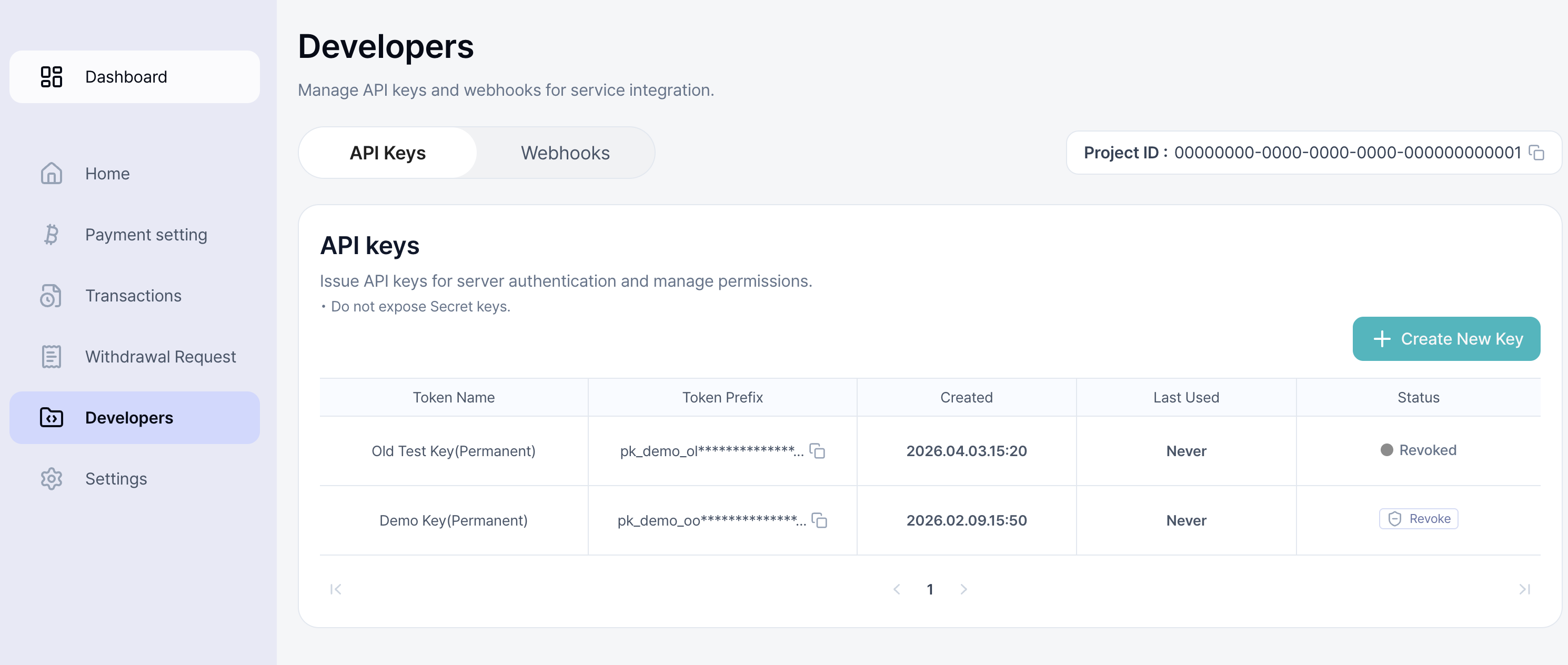
- You can create and manage API keys from the Developers menu.
- Issue new API keys via Create New Key.
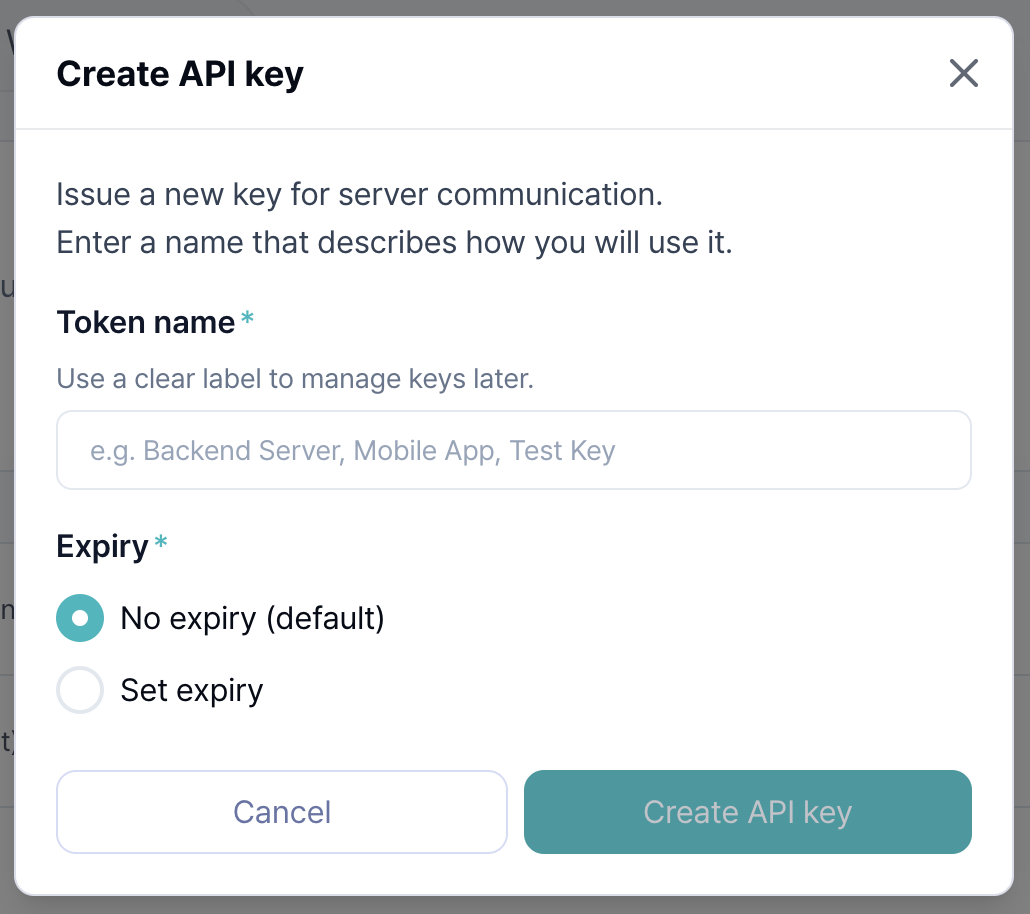
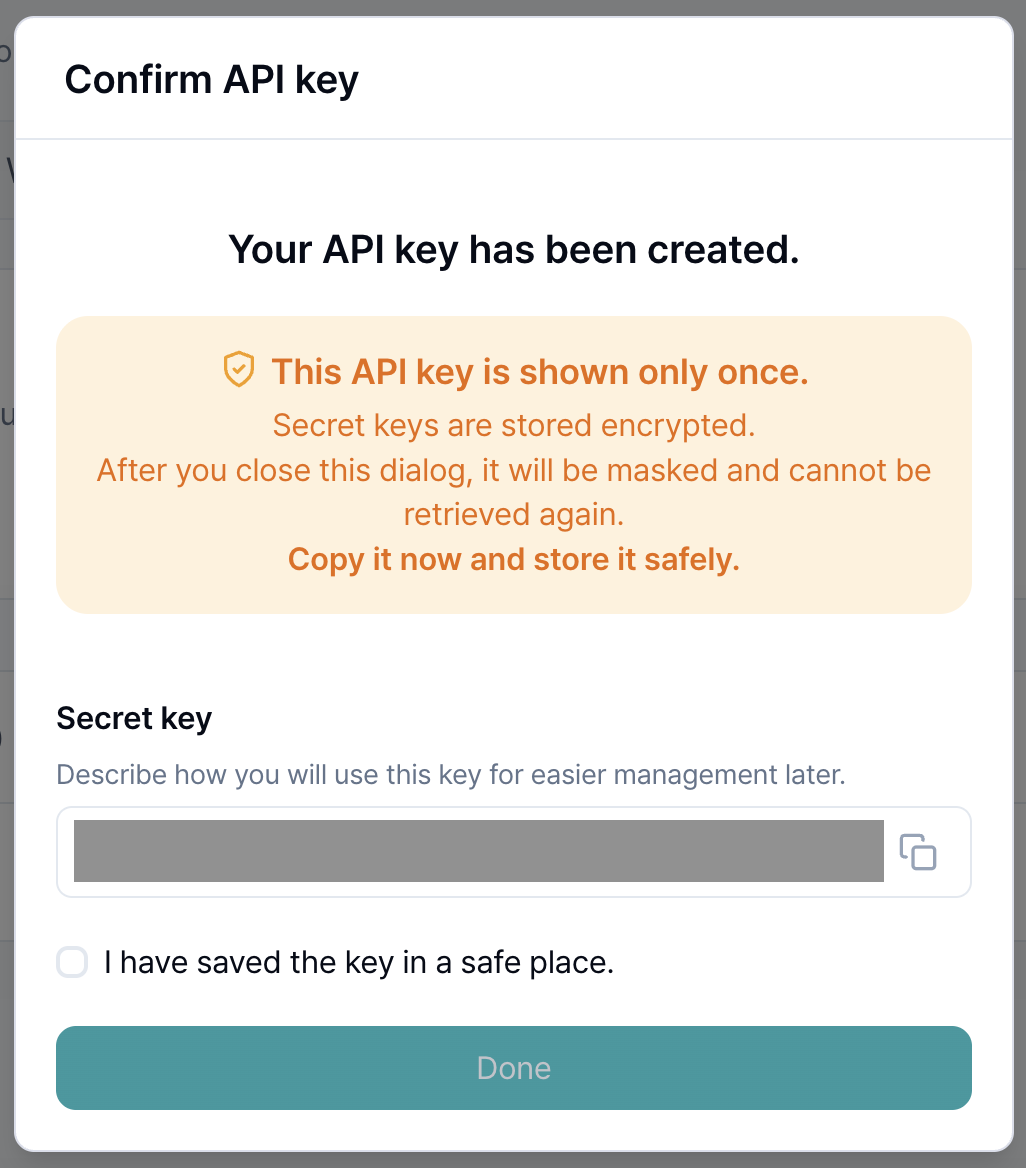
-
When issuing API keys, the Secret Key is only displayed once. Store it in a safe place only you can access.
*Never expose your Secret Key to others for secure payment services.
*Lost API Secret Keys cannot be recovered.
-
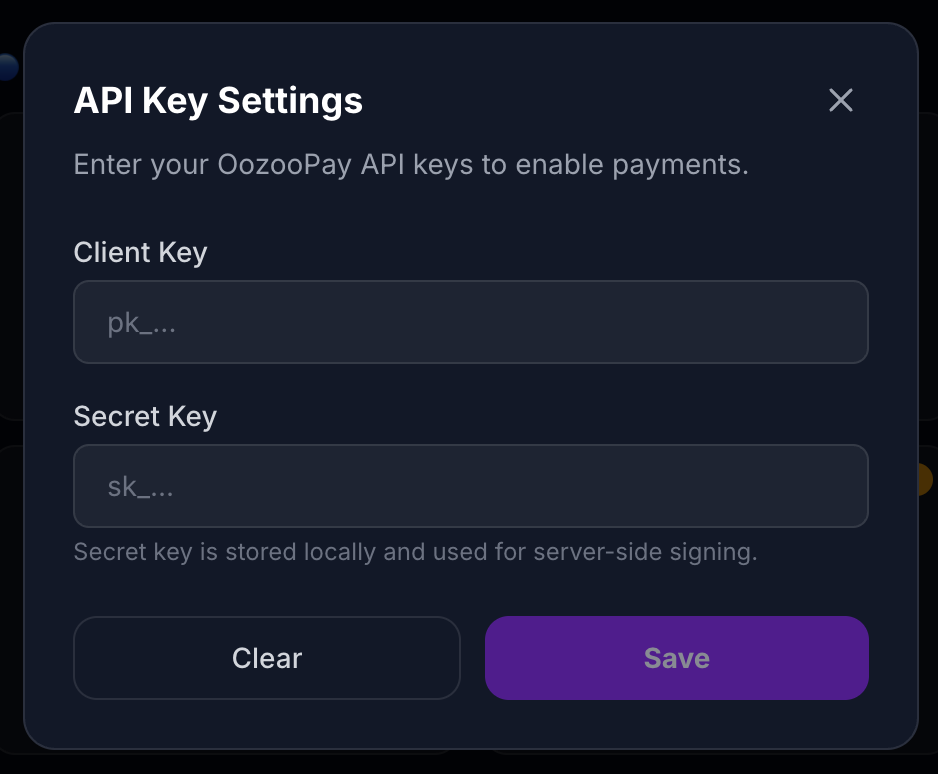
Copy the issued Client Key and Secret Key and connect them to your e-commerce or payment systems to enable crypto payments through OOZOO PAY.
*Example:
-
For more detailed guides or webhook usage, refer to the API Reference Guide.